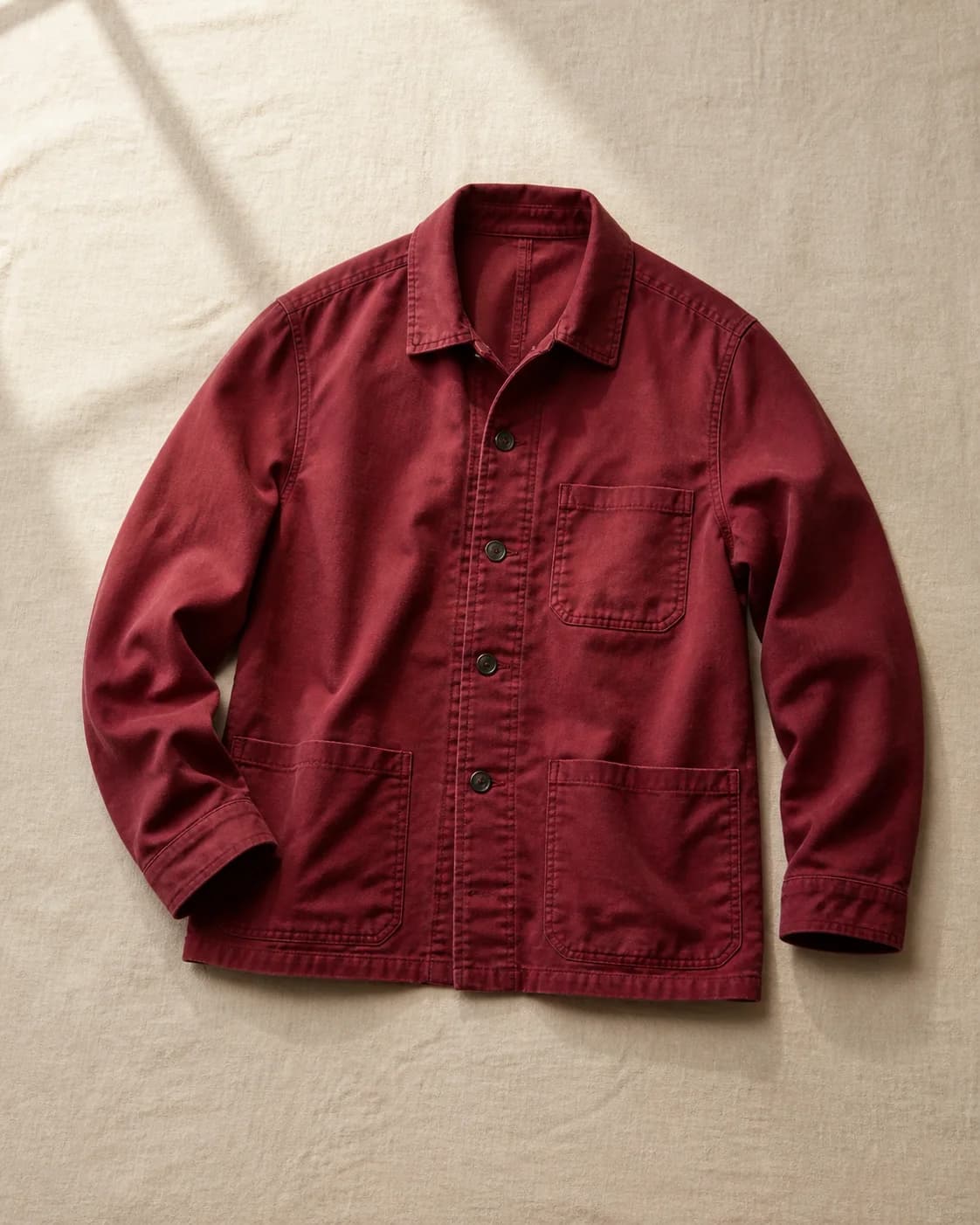
New garment
WaitingOuterwear
Berry chore jacket
Photograph, organise and browse your clothes in a private visual catalogue, with outfit help when you want it.
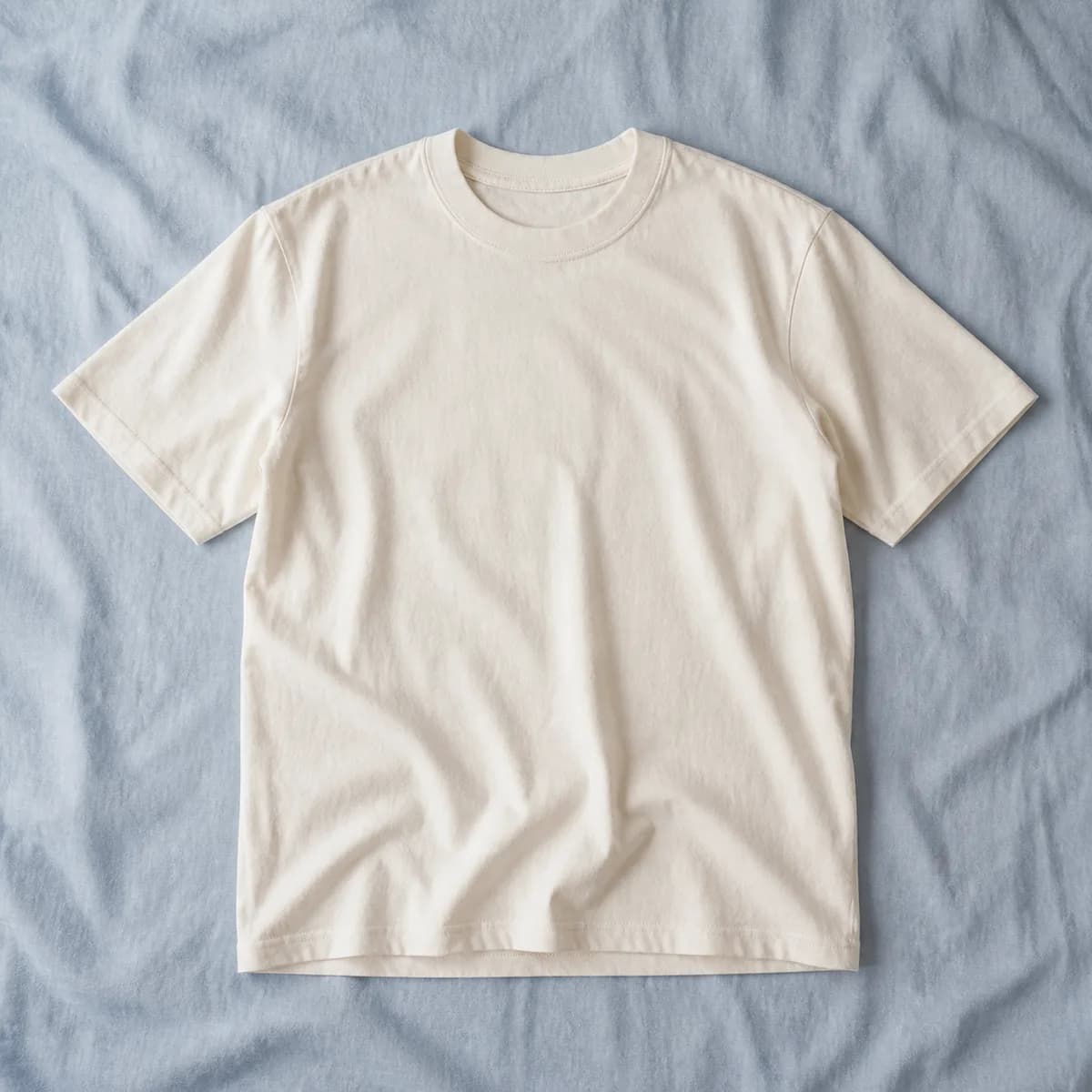
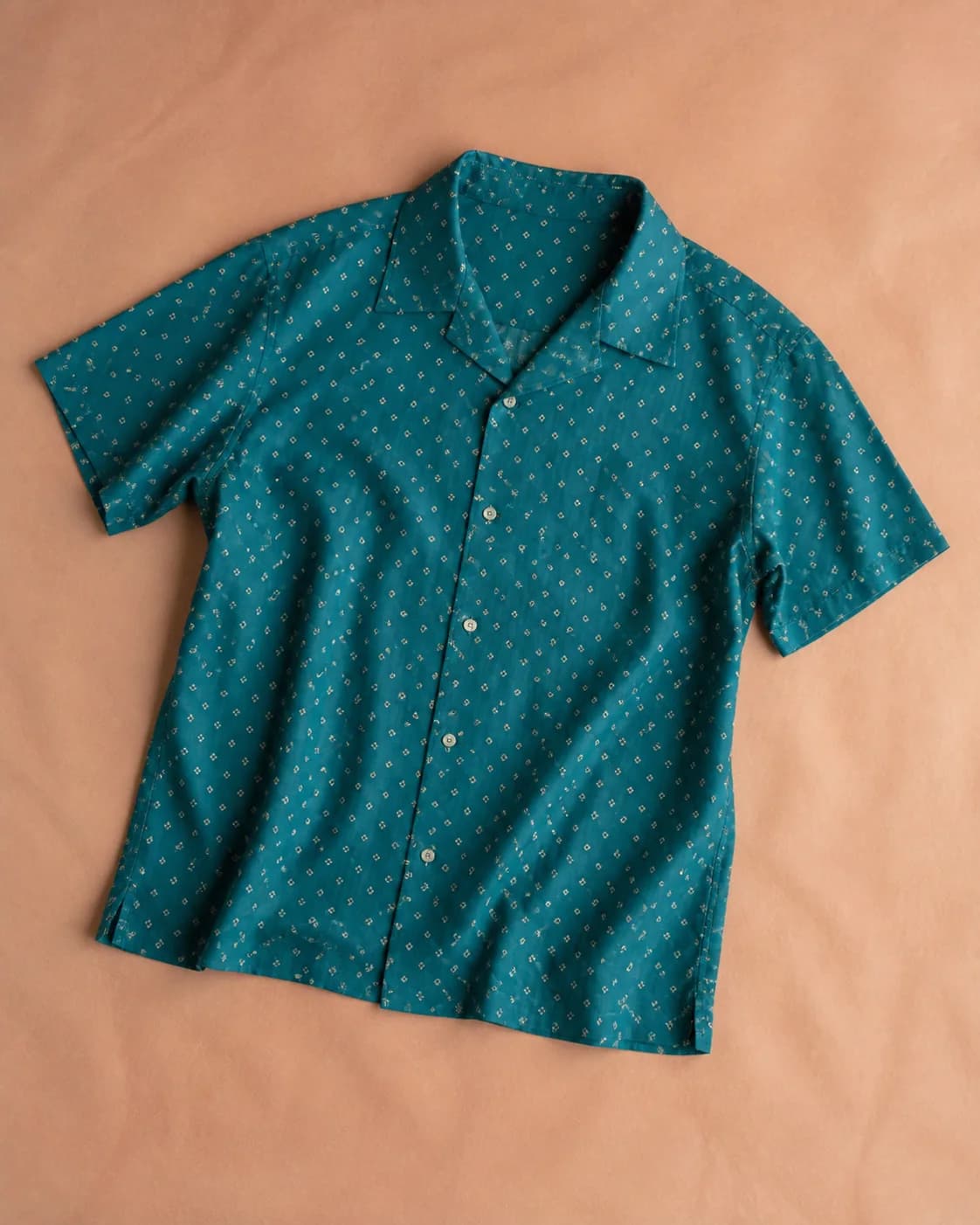
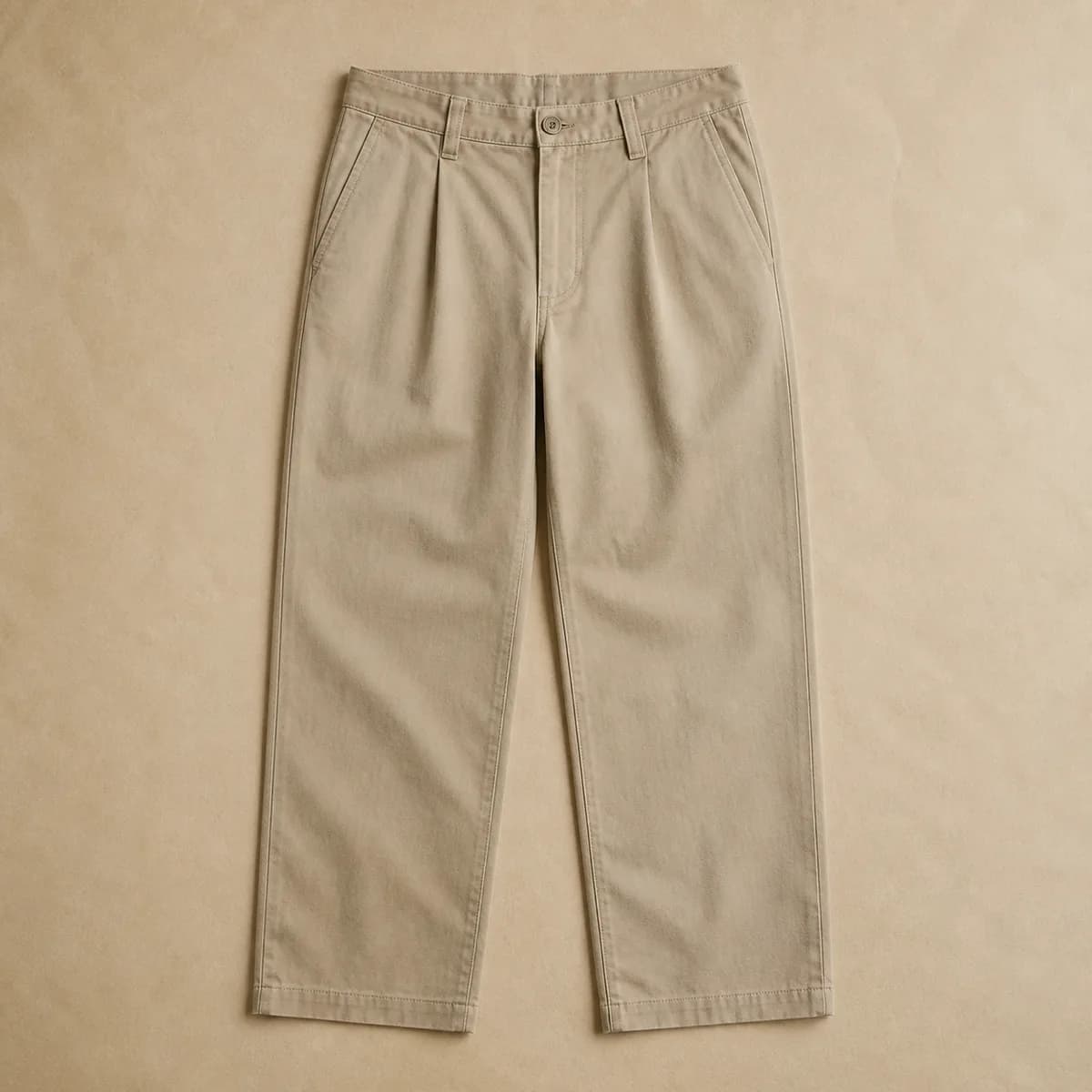
Garment details
What are you dressing for?
New garment
WaitingOuterwear
Berry chore jacket
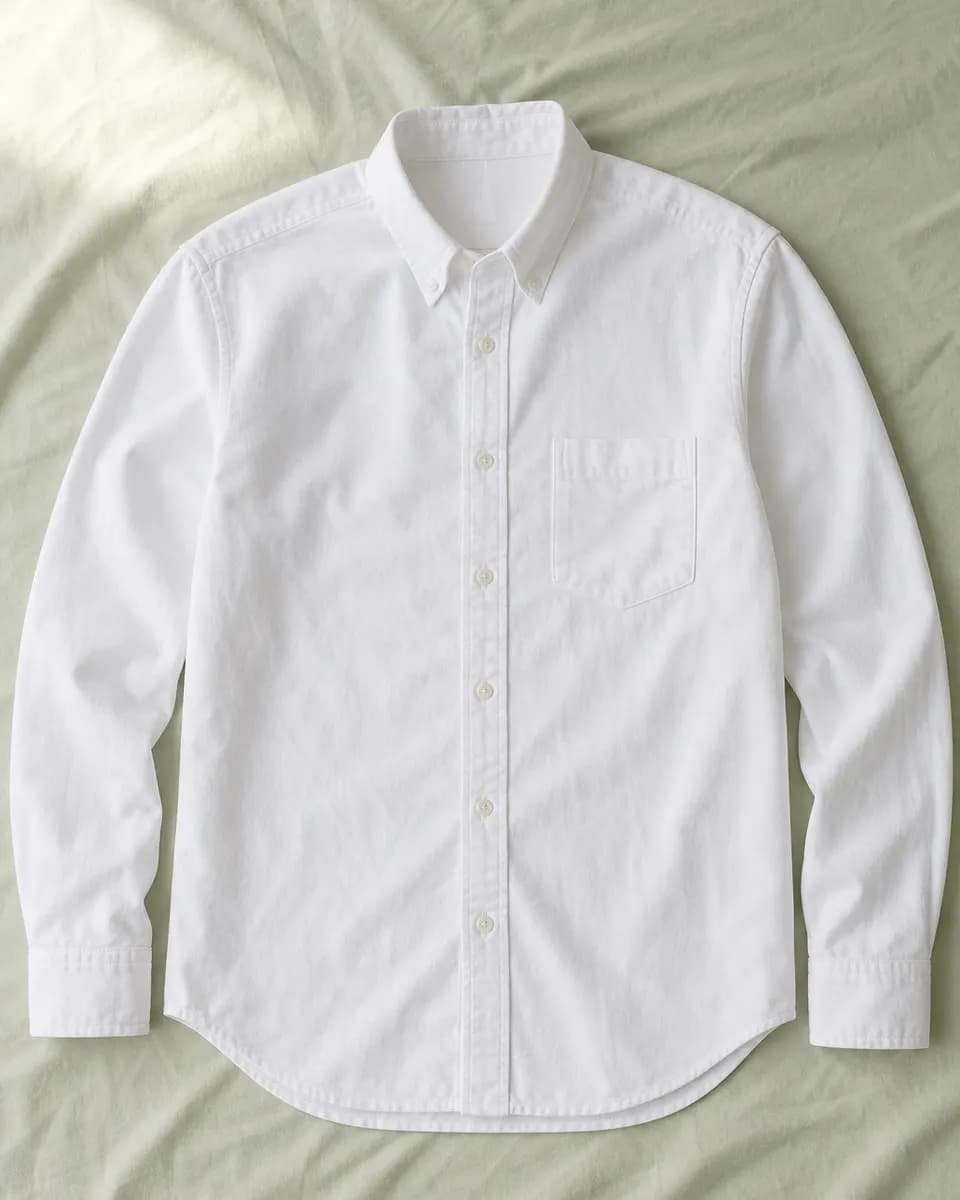
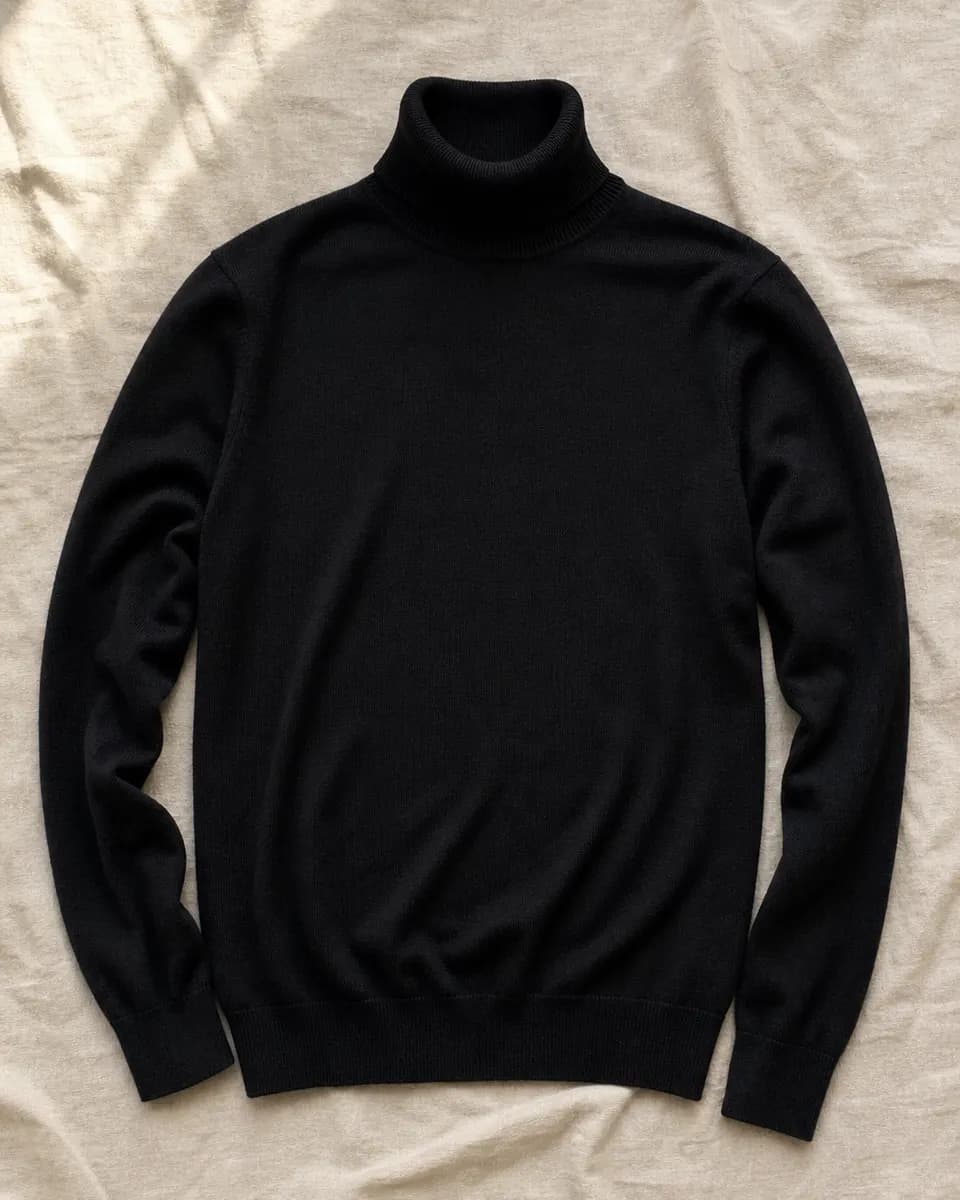
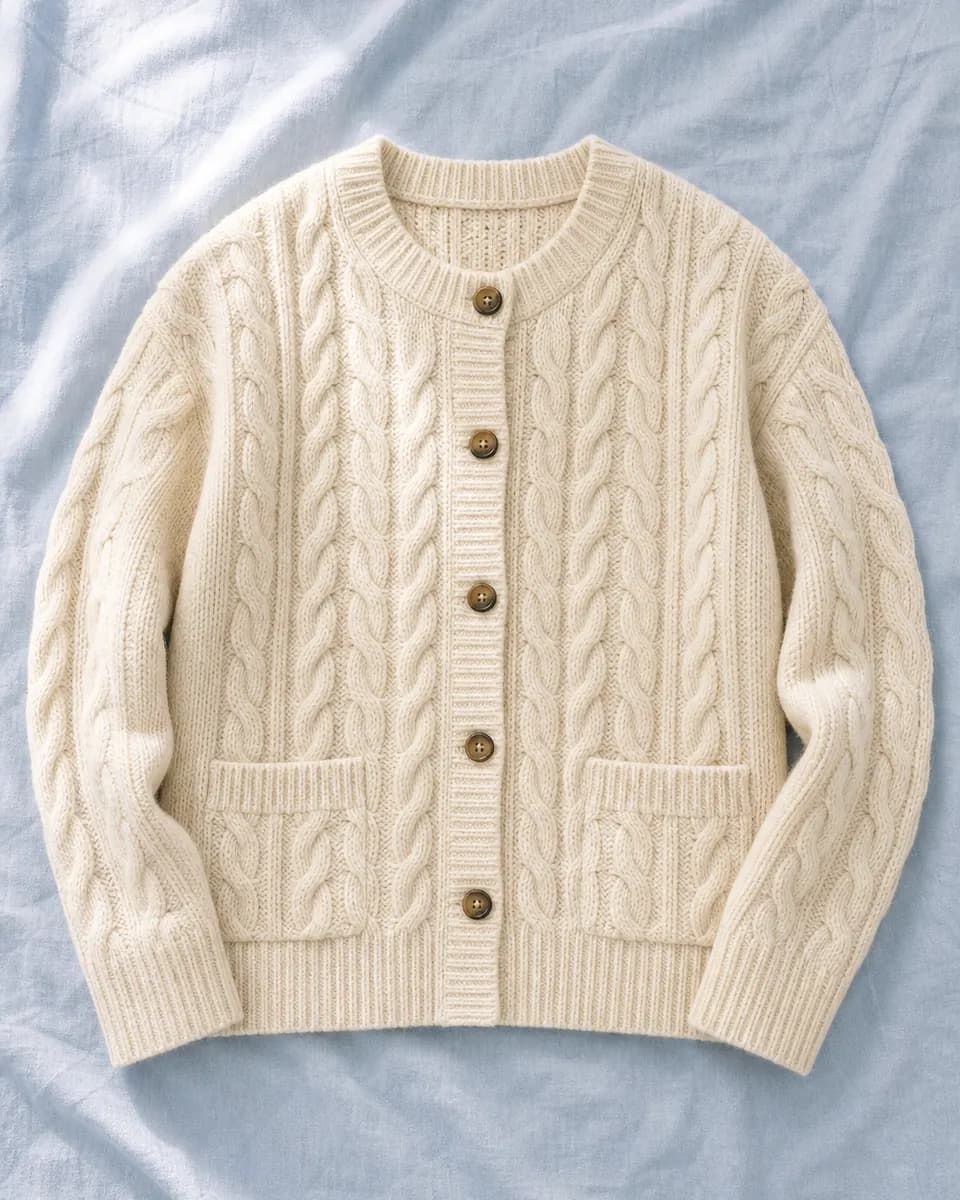
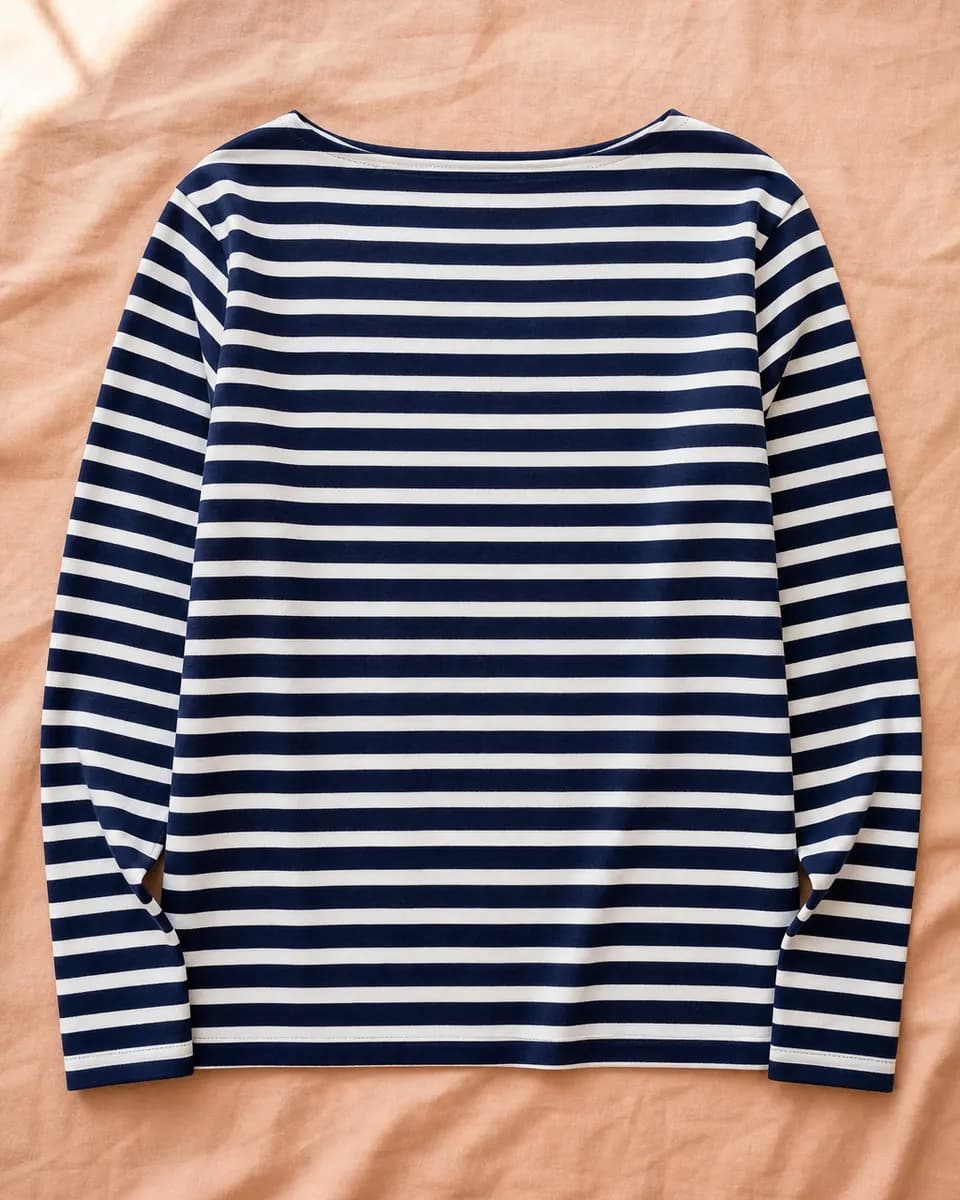
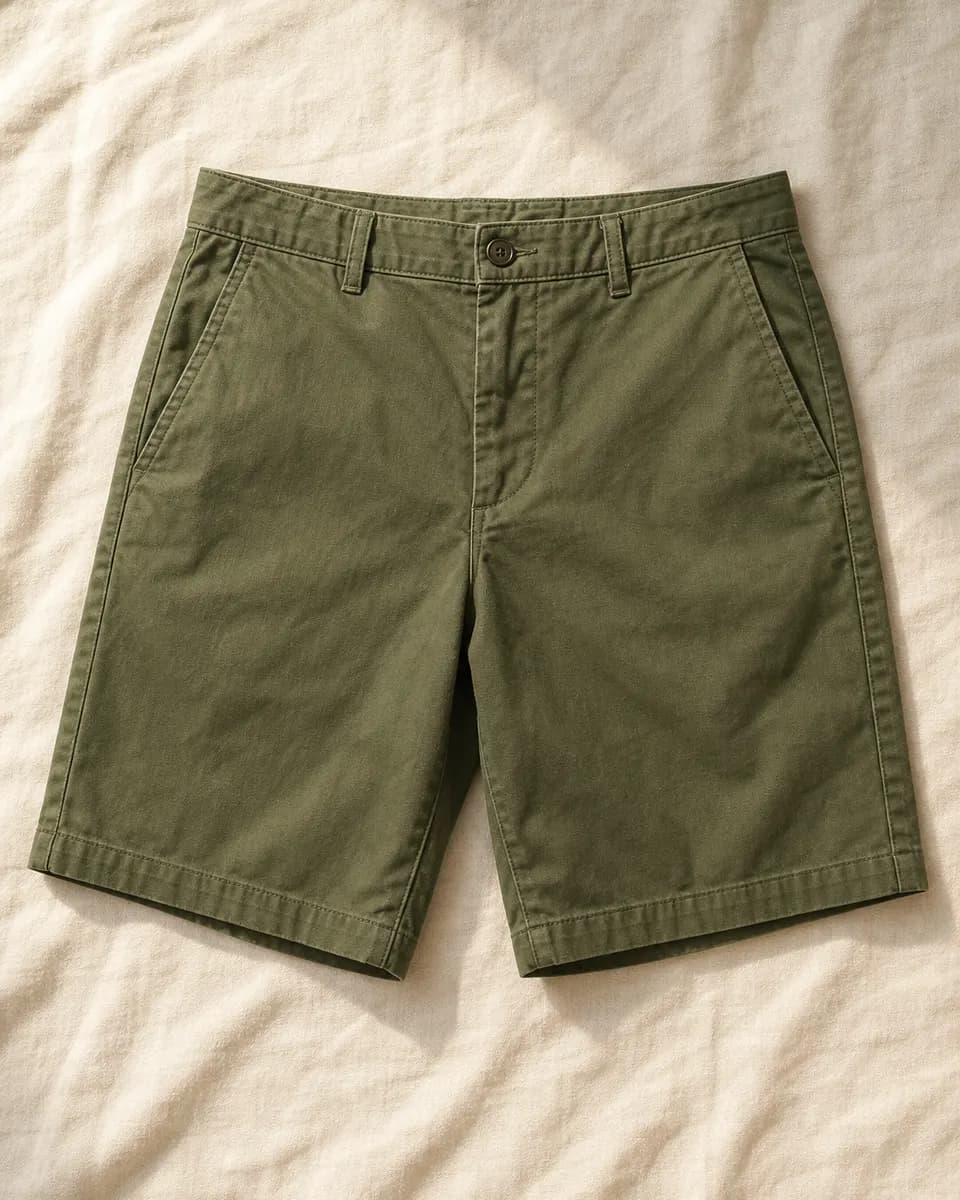
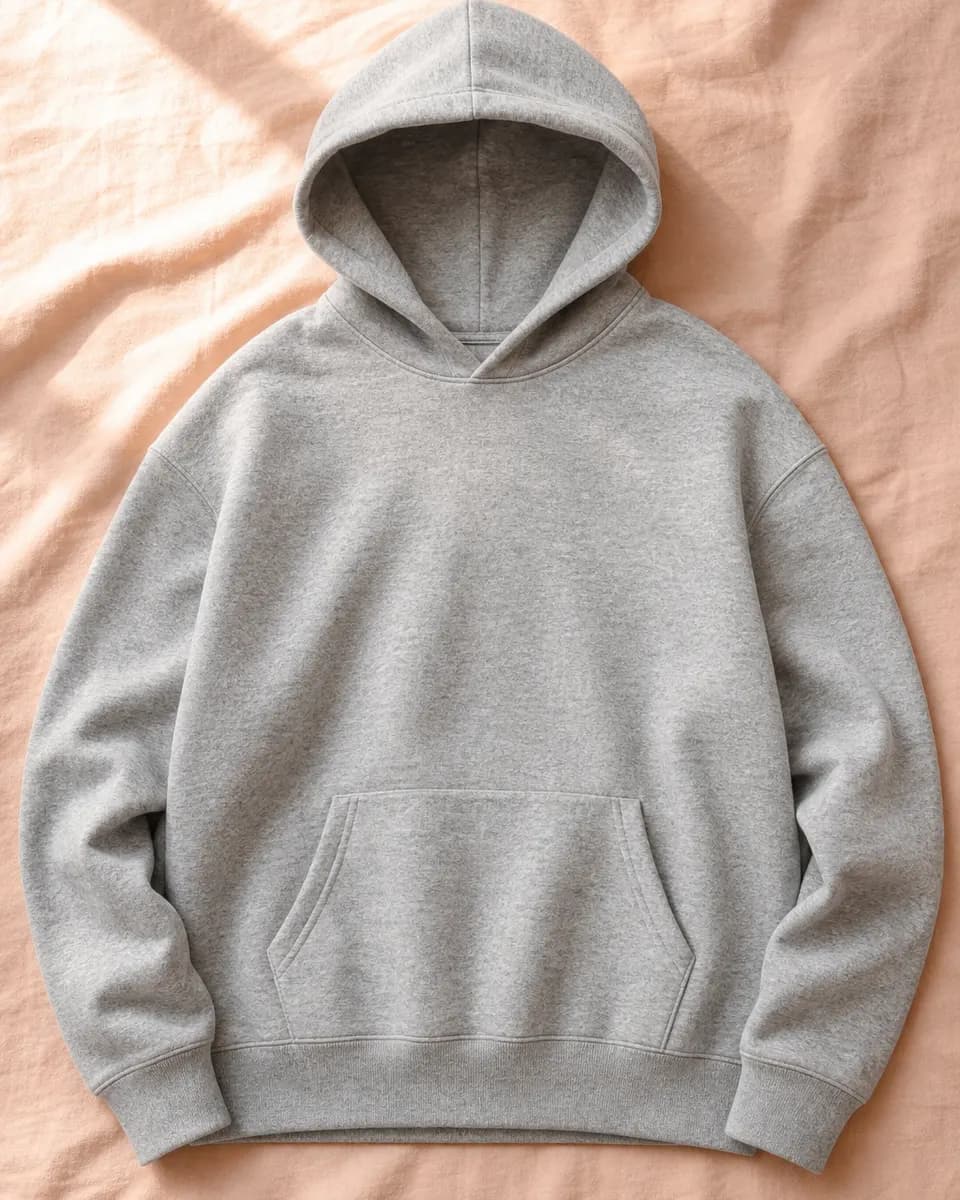
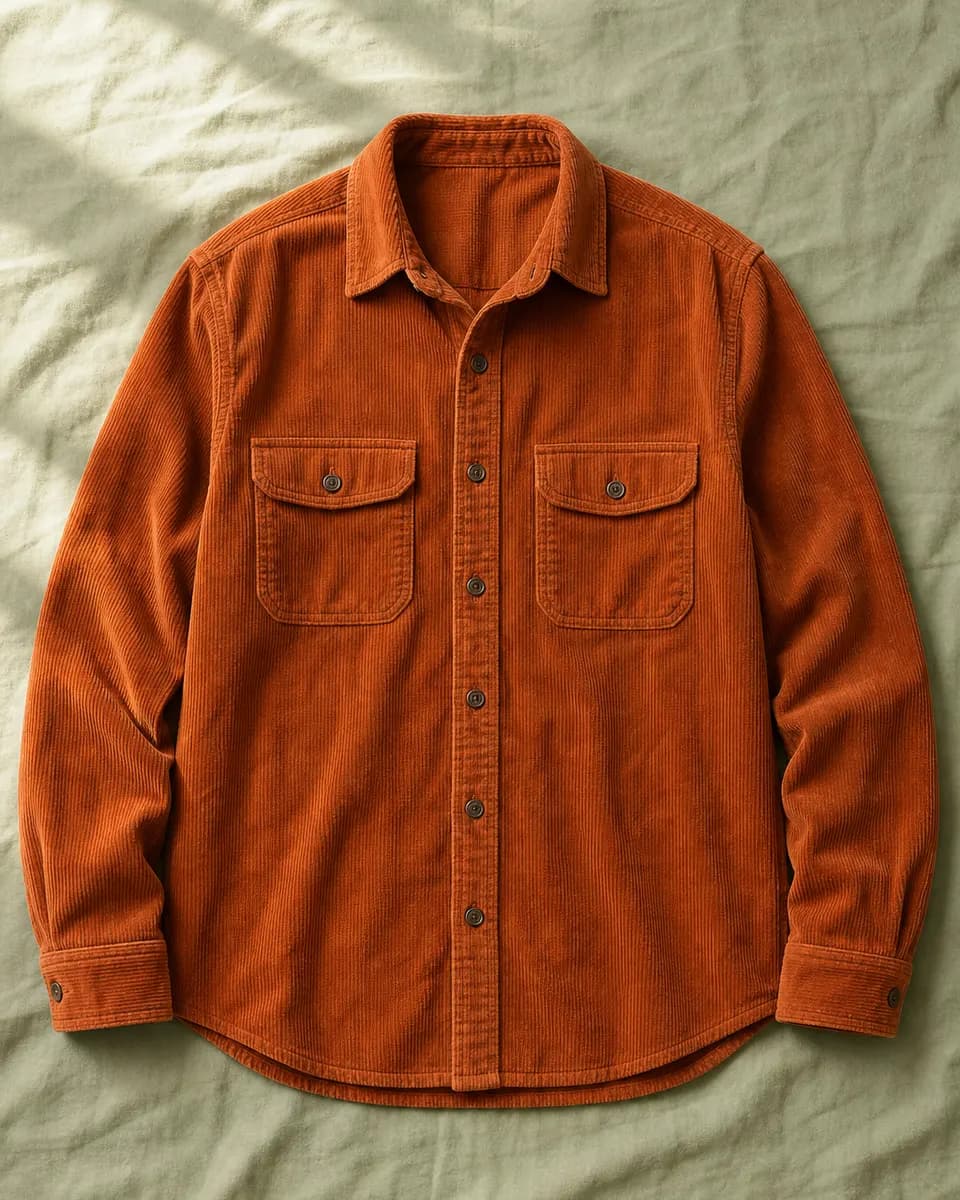
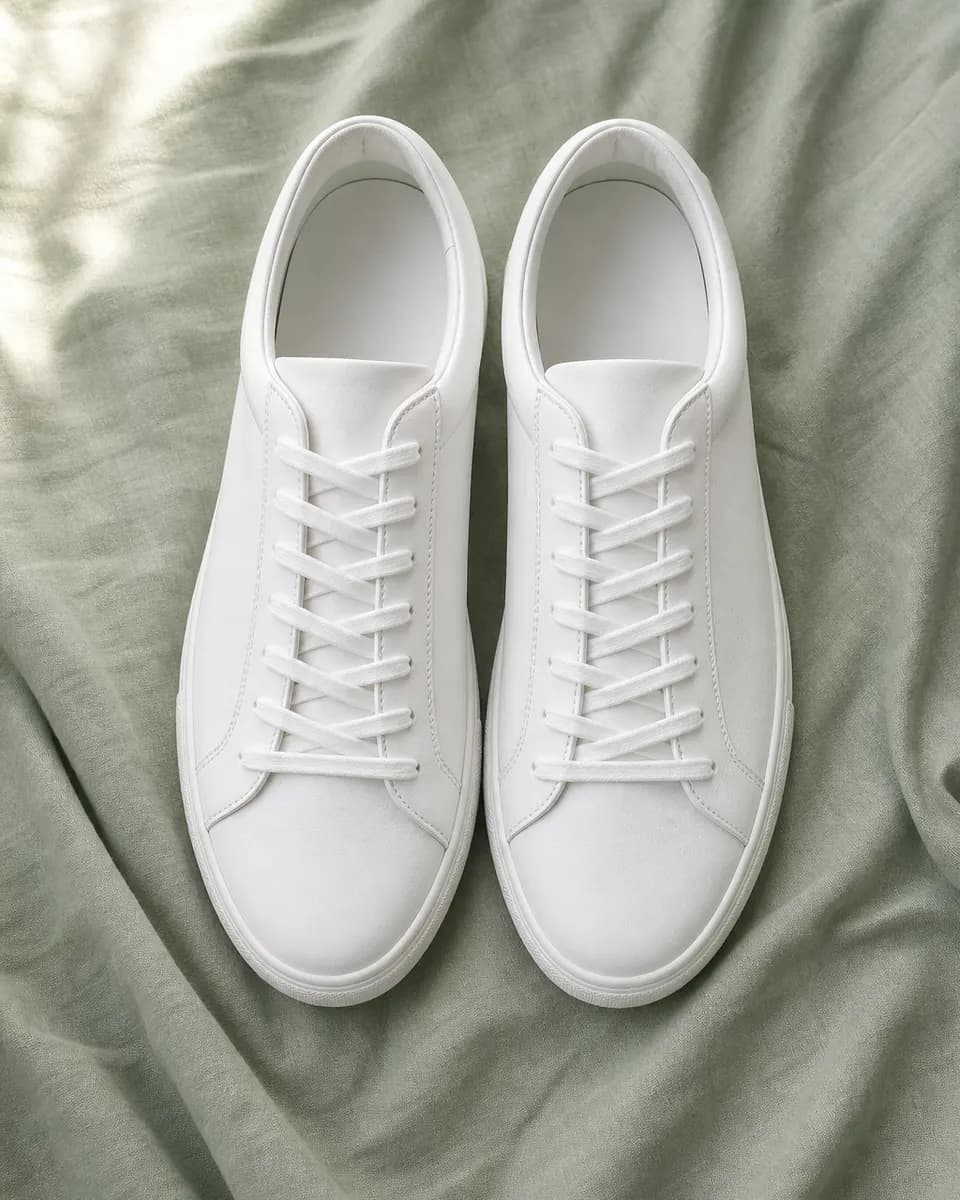
Your wardrobe comes with you. Standing in a shop, a couple of filters tell you whether you already own something like it.
Already yoursOutfitted keeps the useful details close to the photograph, without turning your wardrobe into an admin job.
Add a garment from your phone or computer. Outfitted keeps the image at the centre of the record.
Name it, describe it and note the colour, material or fit. Leave anything blank when it is not useful.
Browse your active pieces as a visual collection and tuck things into the archive when they are out of rotation.
Choose a pile of photos in one go. Each becomes its own garment, uploads run three at a time, and with AI access the details fill in while you carry on. This sample batch is sped up.
waitingwaitingwaitingwaitingwaitingwaitingwaitingwaitingwaitingwaitingwaitingwaitingTell the Outfit Desk where you are going. It picks from the clothes you already own and says why. Try it on the sample wardrobe; these suggestions are pre-written examples.
Outfit Desk
A rainy commute
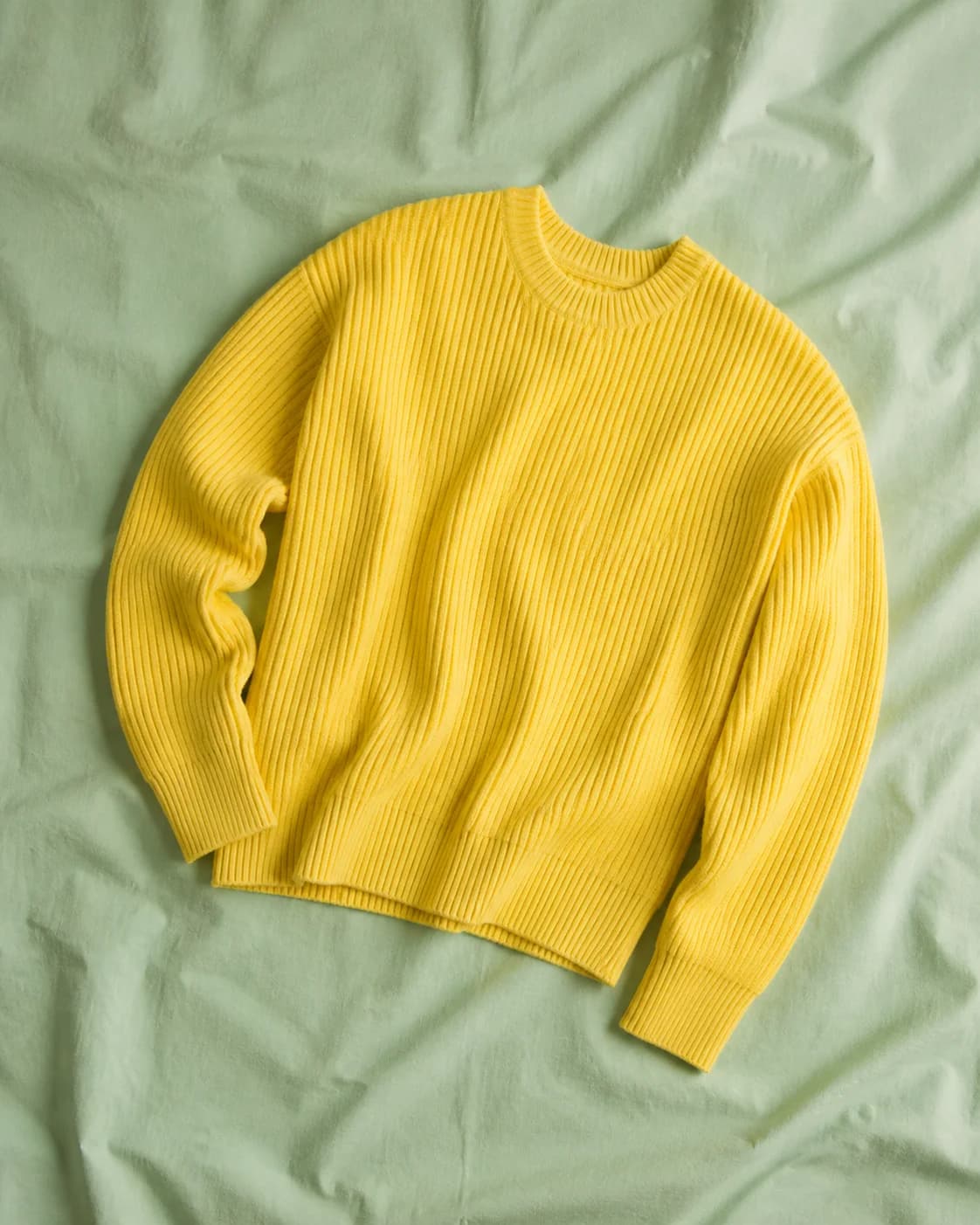
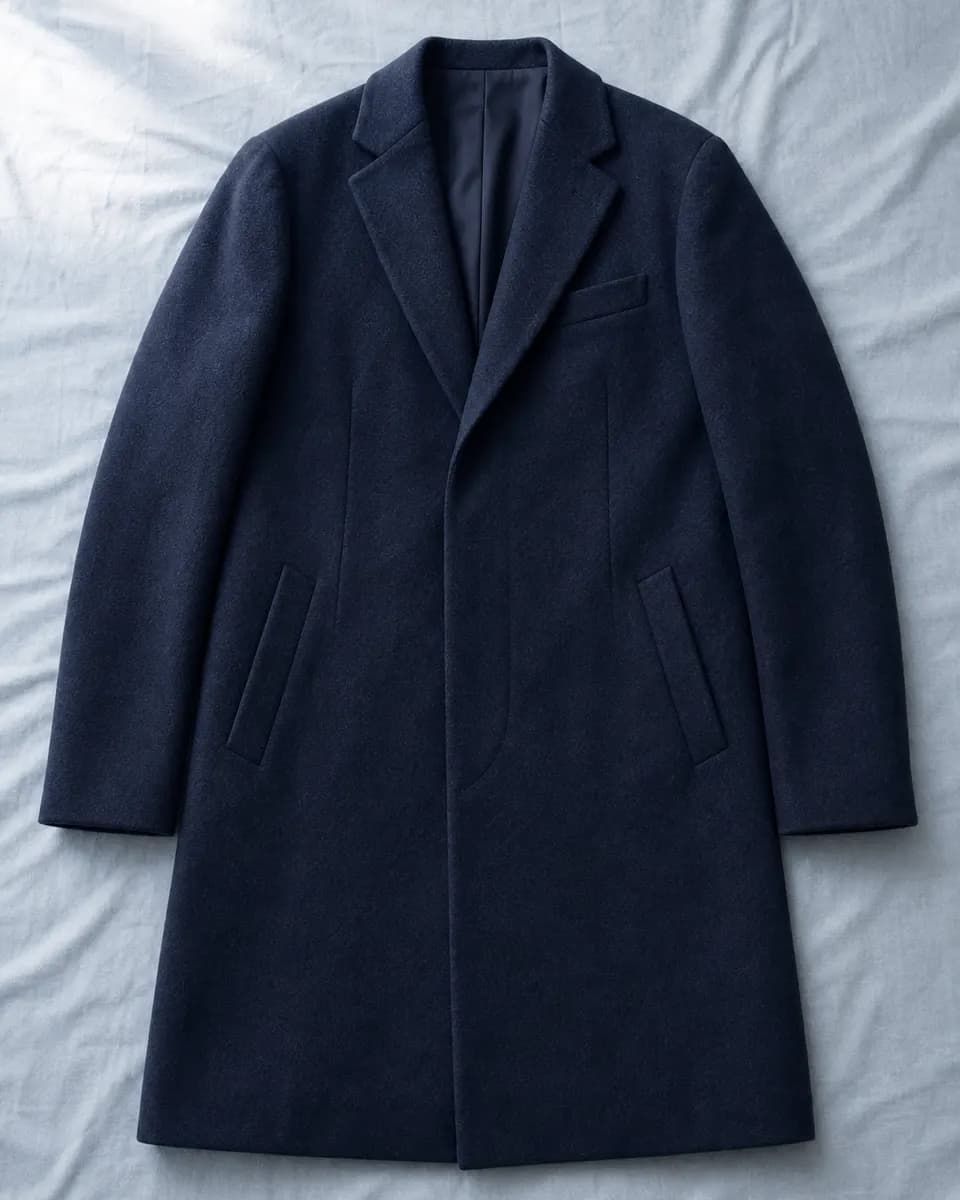
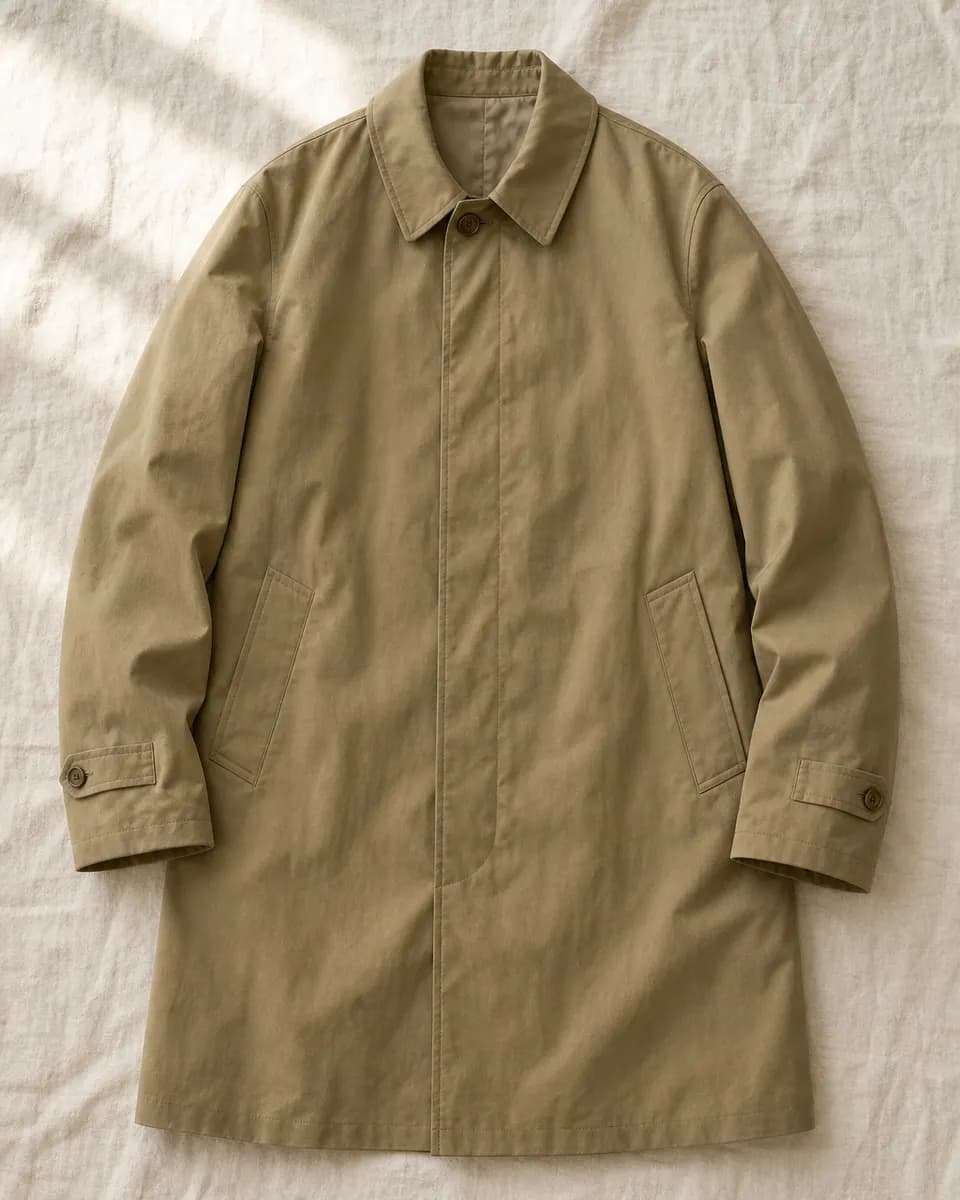
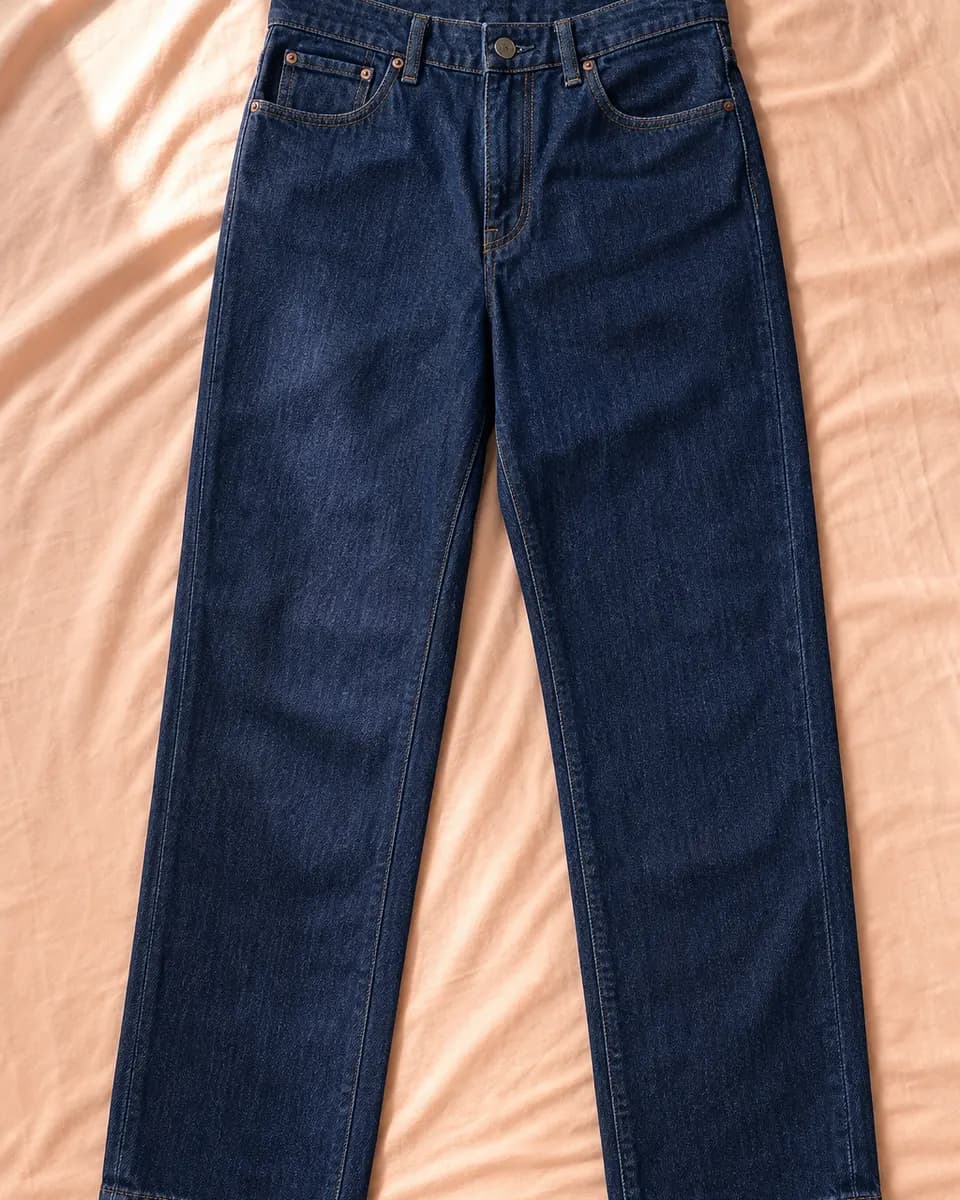
The mac takes the weather. A citrus knit over the oxford keeps a grey morning bright, and dark jeans hide the splashes.
Optional AI fills in garment details and suggests outfits. For the bigger picture, ask for a wardrobe review against your own style notes: what is working, what is missing, and the pieces behind each point. Every detail stays yours to edit.
Wardrobe review
A relaxed, colour-confident wardrobe built on easy layers. The brights work hardest when a neutral holds them down.
Strength
The berry jacket and citrus knit bring the energy, and both sit easily over the off-white tee.
Berry chore jacketCitrus knitOff-white crew teeGap
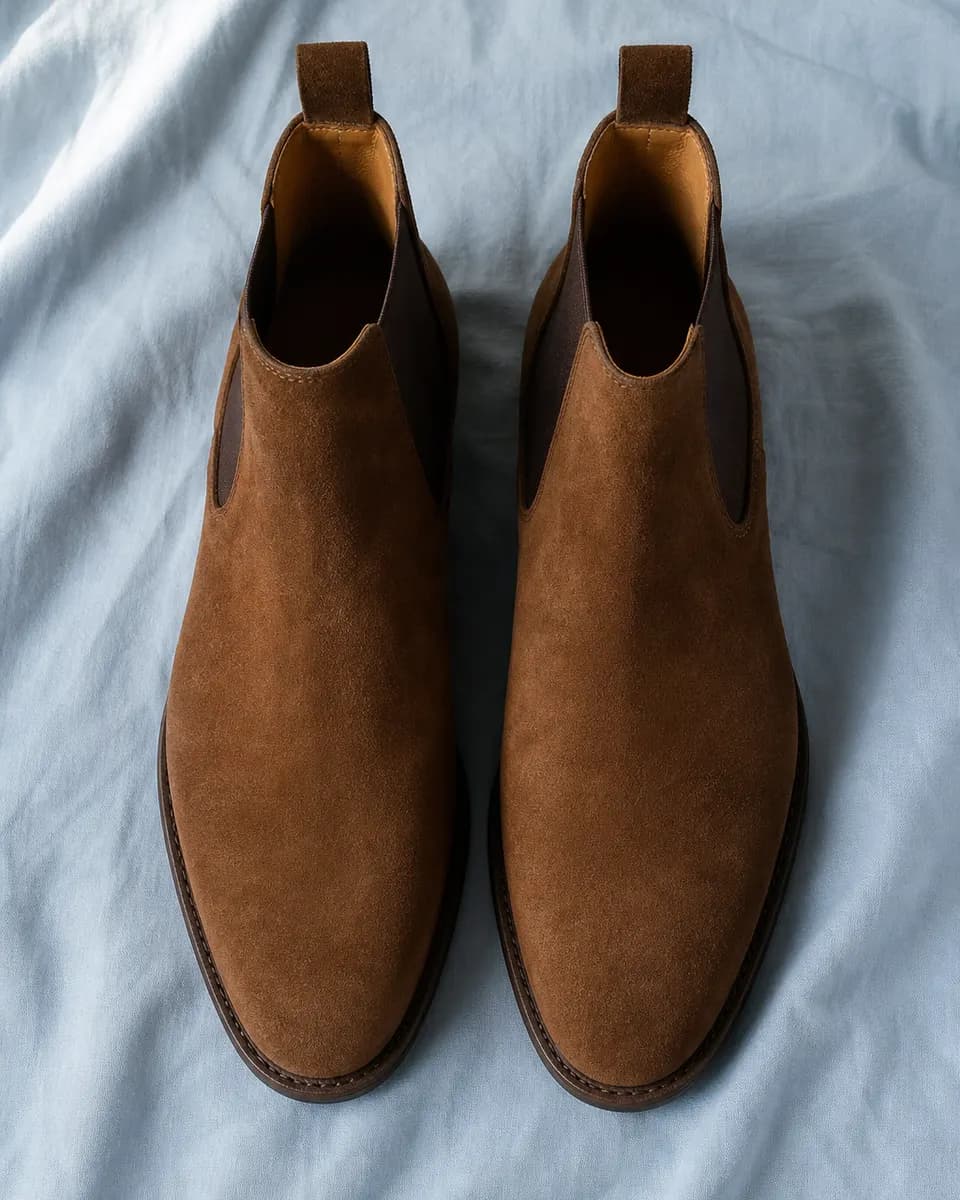
Suede boots and white trainers both dread the rain. A leather pair would finish the mac on wet commutes.
Suede Chelsea bootsWhite trainersKhaki macOutfitted is a private catalogue, not a social network. Garment photos are served through an account-protected route, so other users cannot open your image links.
How access works, what the AI sees, and where your photos live.
Sign in with your Google account; that is the only way in. New accounts can start adding clothes straight away.
Nothing. There are no plans, payments or card details.
No. AI is a separate approval: once you are in, you can request AI access and an administrator reviews it. Without it you can still upload photos (up to 6 per garment), edit every detail by hand, browse, filter, archive and delete. The Outfit Desk, saved outfits, wardrobe reviews and style notes need AI access.
When it reads a garment, that garment's photos go to OpenAI. Outfit suggestions and wardrobe reviews send only garment details and your style notes, never photos.
Only you. Photos are served only to the account that owns them and are stored on Outfitted's own server. Each upload is saved as a fresh WebP copy: the original file is not kept, and camera details such as location are left out.
JPEG, PNG, WebP or HEIC, up to 12 MB each, with up to 6 photos per garment. A batch import takes up to 20 photos at once, one garment per photo.
Yes. Archive anything that is out of rotation, or delete a garment and its photos for good.
Sign in with your Google account and start adding your clothes right away.